🧲
Drag, drop, scan
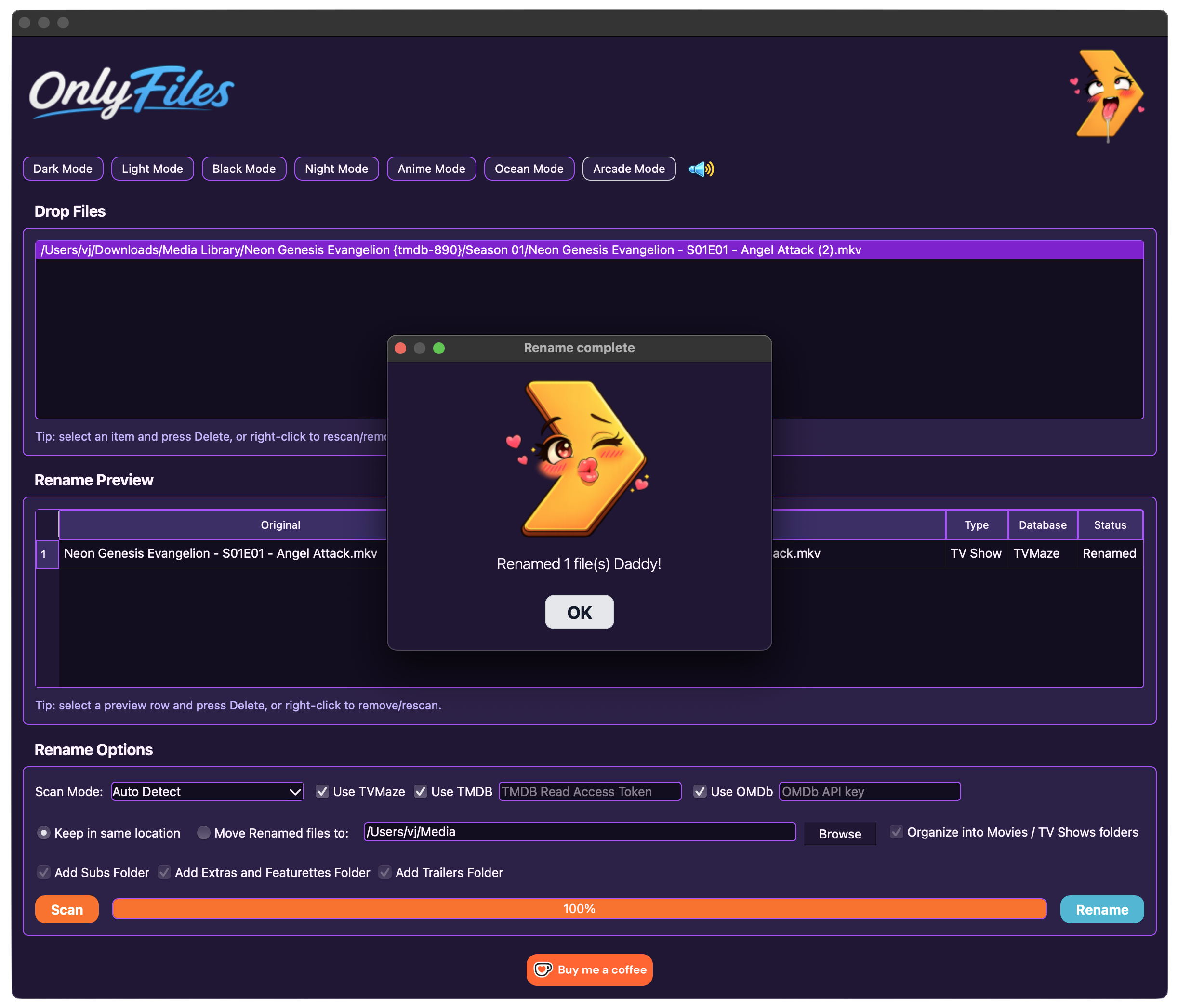
Drop movies, shows, or whole folders into the app and preview clean filenames before touching anything.

OnlyFiles is a lightweight macOS app that helps clean up messy movie and TV filenames. The public version works out of the box with TVMaze, while optional user-supplied TMDB and OMDb API keys can unlock extra movie and TV matching. Drag in files, scan metadata, preview the new names, manually fix the weird ones, then batch rename or move everything in one click.
Say goodbye to being ghosted by your favorite media server. Plex, Jellyfin, and Emby finally get the hint.

Built for personal media libraries, late-night folder archaeology, and that special moment when Movie.Title.Final.Final.REAL.1080p.x265.mkv finally becomes something civilized.
OnlyFiles helps you rename your dirty little files like a good boy. It scans movie and TV filenames, uses TVMaze by default, and lets users optionally add their own TMDB and OMDb API keys for broader matching. It shows a preview, lets you edit any title manually, then renames or moves files into cleaner library-friendly folders.
It does not stream, host, download, decrypt, bypass DRM, or provide media content. It only renames files that are already on your computer. A tiny broom for your local media mess. Nothing more, nothing less.
OnlyFiles is not affiliated with OnlyFans, TVMaze, TMDB, OMDb, Plex, Jellyfin, Emby, or any media platform. All trademarks belong to their respective owners.
Small tool, big folder-cleaning energy.
Drop movies, shows, or whole folders into the app and preview clean filenames before touching anything.
Use TVMaze out of the box, then optionally add your own TMDB and OMDb API keys for expanded matching.
Edit the proposed filename directly when anime titles, specials, OVAs, and edge cases get dramatic.
Keep files in place or move renamed files into a chosen directory, with optional library-style folders.
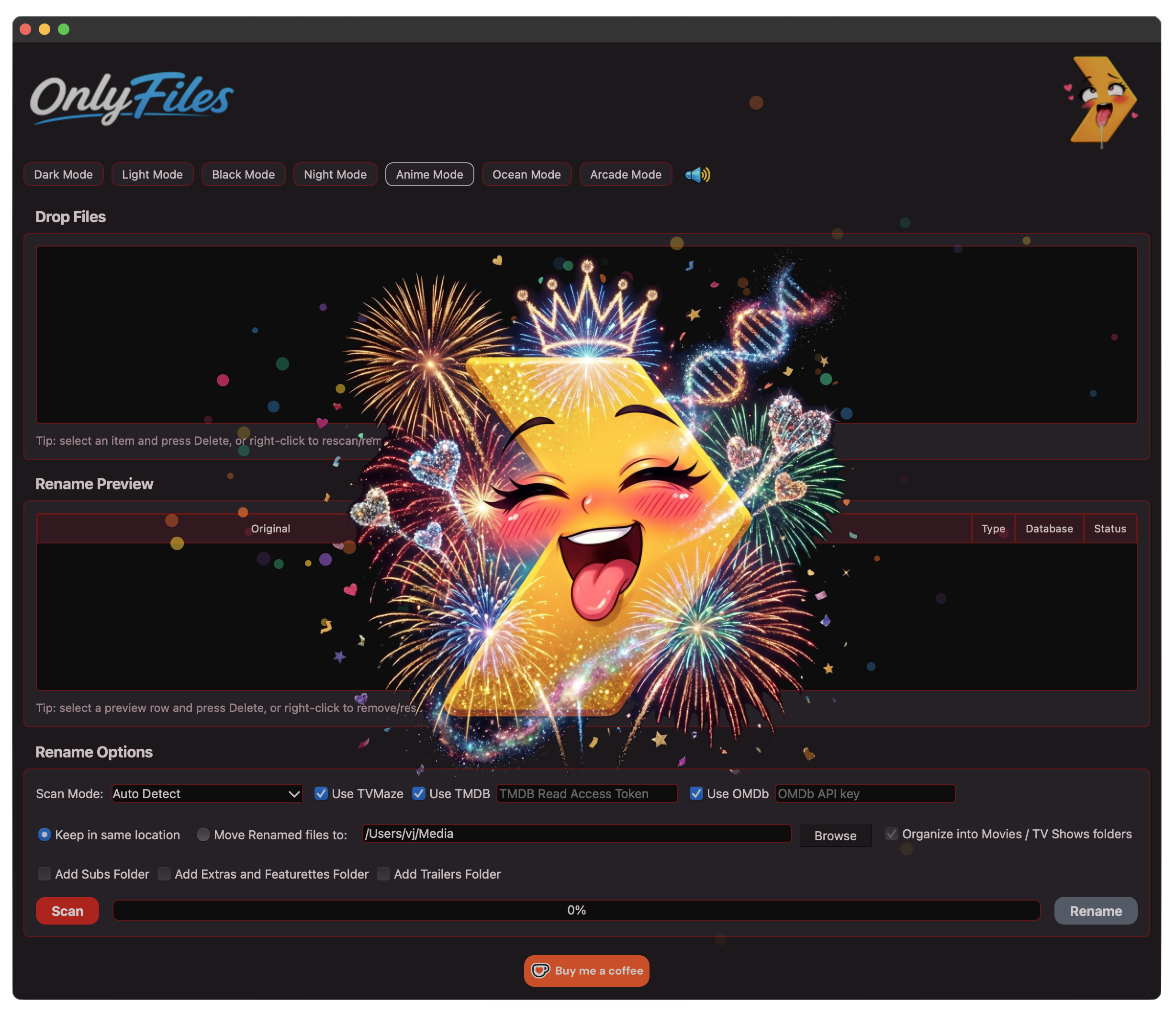
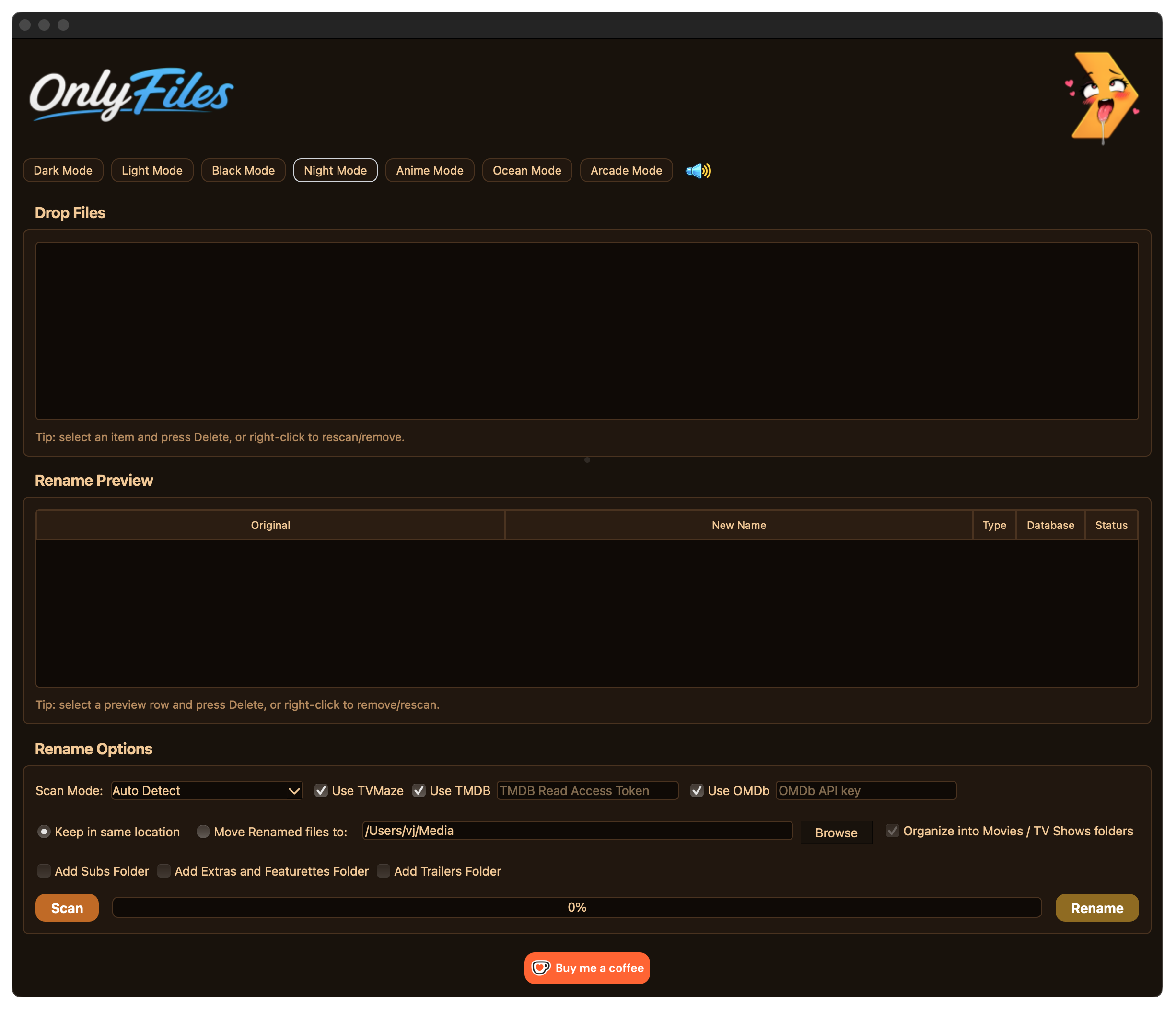
Dark, light, black, night, anime, ocean, and arcade modes because utilities deserve outfits too.
Review every rename before execution. The app shows which source was used: TVMaze, TMDB, OMDb, edited, or local fallback.
Dress OnlyFiles up however you like. Dark, light, night, anime, ocean, arcade. Every naughty filename deserves a little roleplay.
Thank you for supporting OnlyFiles. I’m a solo, part-time developer and solo, part-time father building this on my free time. Anything you contribute helps keep the app free, weird, and updated.
Get the latest OnlyFiles app build.
MacOS downloadView releases, changelogs, and project updates.

Tip the project on Ko-fi.

macOS may warn you the app is from an unidentified developer. You can open it from System Settings → Privacy & Security after downloading.
OnlyFiles renames local files. TVMaze lookups are available by default; TMDB and OMDb requests only happen if users enable them and provide their own API keys.
Metadata credits: OnlyFiles can use TVMaze by default and can optionally use TMDB and OMDb when users provide their own API credentials. This product uses the TMDB API but is not endorsed or certified by TMDB. TV metadata may be sourced from TVMaze. OMDb data may be sourced from OMDb API.